POS for Restaurant Software: Keep Orders, Kitchen Service, and Payments Connected

The dinner rush rarely arrives in an orderly sequence. A table adds two starters, a takeaway customer changes a side dish, and an online order comes in while the cashier is splitting a bill.
Each request is manageable on its own. The difficulty is making sure the right information reaches the right person before someone prepares, serves, or charges for the wrong item.
Restaurant point-of-sale software helps organise this work. For owners searching for POS for restaurant software, the most useful starting point is the journey of an order: how it is entered, prepared, served, and paid for.
A suitable system should keep that journey clear for everyone involved.
Start with How Your Restaurant Serves Customers
A café serving customers at the counter has different needs from a restaurant offering table service. A delivery kitchen has another set of priorities.
Before comparing systems, map out your main service types. Identify who takes the order, where it goes next, when payment is collected, and how completion is recorded.
For a dine-in restaurant, table status and open bills may be essential. A takeaway business may prioritise order numbers and collection times. A kitchen handling several delivery channels needs clear order identification and reliable availability updates.
Choose software around these daily requirements. Features become valuable when they solve a specific problem your team encounters.
Capture Order Details Clearly
An accurate order begins with a well-organised menu.
Staff should be able to find dishes quickly and select the correct size, preparation option, or extra. Frequently requested changes are easier to manage when they appear as clearly labelled choices rather than repeatedly typed notes.
For example, a burger order might include a choice of side, an additional topping, and a request to remove an ingredient. The kitchen needs to see those details, while the bill needs to include any additional charges.
When evaluating a system, check whether it can:
-
Require a selection where one is necessary.
-
Separate chargeable extras from preparation instructions.
-
Display changes clearly on kitchen tickets.
-
Update the total when an option changes.
-
Restrict combinations that the restaurant does not offer.
A good menu setup reduces uncertainty at both the ordering screen and the preparation station.
Keep the Kitchen Informed When Orders Change
Sending an order to the kitchen is only the first step. Customers can add dishes, change their minds, or cancel an item after preparation has started.
Ask how the system communicates those changes. A revised order should make it clear what has been added or removed, without making the kitchen mistake the update for a duplicate ticket.
If your kitchen has separate preparation areas, test whether items can be directed to the appropriate station. Drinks may need to reach the beverage counter while main dishes go to the cooking line.
Also define what each order status means. “Prepared,” “ready to serve,” and “collected” describe different stages. Staff should use them consistently so the screen reflects what is actually happening.
Manage Tables and Bills Without Losing Details
Table service involves movement. Guests may change seats, combine tables, or ask to pay separately.
Restaurant POS software should support the arrangements your team handles regularly. During a demonstration, test moving an open order to another table and adding items after the first dishes have been served.
Payment splitting deserves a separate test. Dividing a bill equally is different from letting each guest pay for specific items. Splitting a payment between cash and card is another process.
For a hypothetical example, four guests might share starters but pay individually for their main courses. Ask the provider to demonstrate that situation and show how the final payments reconcile with the original bill.
The cashier should be able to complete the transaction without creating unexplained adjustments.
Coordinate Dine-In, Takeaway, and Delivery Orders
Restaurants accepting orders through several channels need a consistent way to identify and manage them.
An order record should show its source, fulfilment method, promised time, and payment status. Staff should be able to distinguish a paid delivery order from an unpaid takeaway collection.
If third-party delivery platforms are part of your business, confirm the exact integration available. Ask whether orders arrive automatically, how cancellations are handled, and whether menu availability updates across channels.
Do not assume that “online ordering” includes a direct connection to every delivery service. Confirm supported platforms, setup requirements, and additional fees for your restaurant.
Connect Sales with Meaningful Stock Records
Selling a dish affects ingredients, but accurate stock tracking requires more than counting menu items.
If you need ingredient-level inventory, check whether the system supports recipes, portion quantities, and relevant modifiers. Extra cheese, a larger portion, or a substituted side can change ingredient usage.
Recorded consumption also needs to account for events outside normal sales. Preparation waste, damaged deliveries, staff meals, and remade dishes can all affect stock.
Compare calculated usage with physical counts. Differences can help managers identify inconsistent portions, missing entries, or recipe settings that need correction.
The software provides a record to investigate; dependable results still rely on accurate receiving, recipes, and staff entries.
Use Reports to Review Service
A daily revenue total tells you how much was sold. It does not explain every operational problem.
Choose reports that answer practical questions. Which dishes are frequently cancelled? When do orders wait longest? How much is being discounted? Which service channel generates the most refunds?
Interpret timing reports carefully. If employees mark orders complete several minutes after they leave the kitchen, the recorded preparation time will be misleading.
Agree on how staff use the system before treating its reports as performance measures. Consistent actions produce information managers can use with more confidence.
Explore BizModo for Restaurant Operations
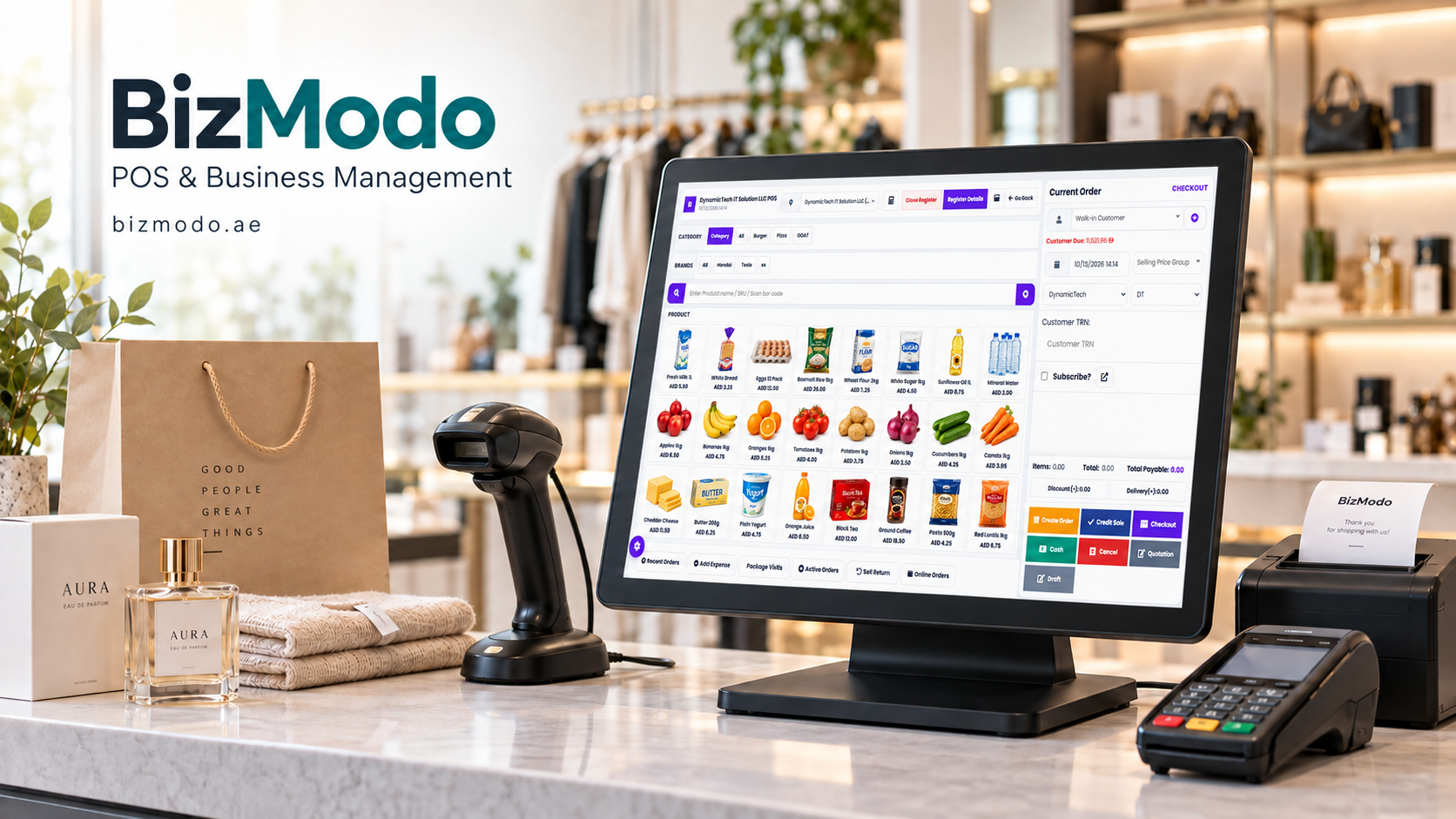
Businesses evaluating POS for Restaurant Software can explore BizModo’s restaurant offering. Its published product information describes table management, kitchen displays, order modifiers, QR ordering, online payment links, inventory tools, and central management of multiple locations. It also lists sales, cooking-time, and wastage reports.
Request a demonstration using your own menu and a realistic service scenario. Include an amended order, a split bill, and an unavailable item.
Confirm which capabilities are included in the proposed package, how your equipment will connect, and what support is available during your operating hours.
Prepare for the First Busy Shift
Before launch, review menu prices, modifiers, printer routing, user permissions, and payment settings. Let staff practise common transactions and the exceptions that usually cause delays.
Ask the provider to explain what happens during an internet outage or equipment failure. Your team should understand which functions remain available and how interrupted transactions are recovered.
Restaurant software earns its value during service. When employees can follow an order clearly from request to payment, they spend less time resolving confusion and more time looking after guests.